










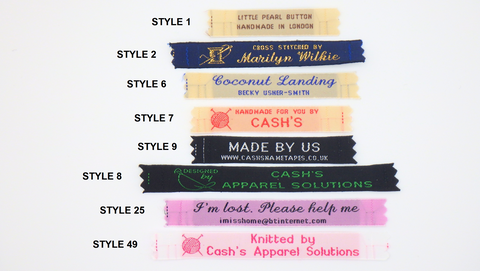
The Famous Woven Nametapes










Let customers speak for us

I have used them for sons school uniform and to identify the craft work I have made.

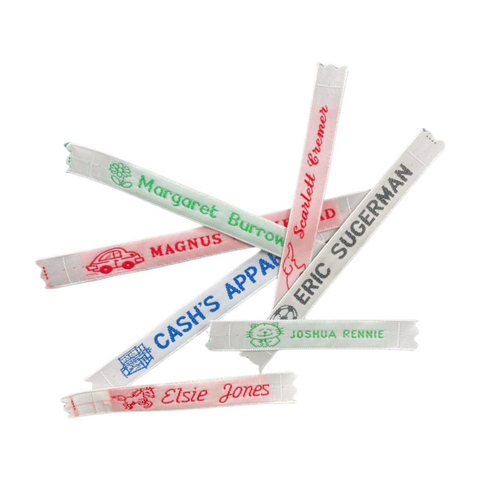
As a child, 60 years ago, all my clothes were labelled with Cash's tapes - I still have a shoe-bag from 1960 with a name tag in perfect condition. I ordered a new set out of nostalgia, but found they are as beautifully made, practical and easy to use as when I was small. Exactly as ordered, ultra-fast delivery and unfussy packaging: how many things can you say that of today?

I was not aware that Cash's still existed until I purchased a St George one on eBay. It was a shame that I could not find more to purchase but it did prompt me to look for the company and what a selection there is. I love them all . The bookmarks are all of high quality and I will be buying more. They arrived quickly and well packaged.
Name tapes were great, look good, came very quickly. I would have liked them better in cotton if that had been an option, but no complaints as these were as I expected.
Ordered some clothes tags every thing was fine came very quickly.

I had Cash’s tapes as a child and bought them for my own children and grandchildren, now for my great granddaughter. Just hope the iron on are as good as the stitch on ones I have had in the past.

Delivered quickly as ordered good quality and good service
Entire order of various items speedily delivered and just what was needed. Very impressed. Excellent website layout for ordering as well.
Great service and great prices.
Items came quickly and were exactly as advertised. Price very reasonable.

Still have mine from the 60s..: buying now for my mum moving into a care home - great product - keep doing what you do through the generations… trusted brand
Quick and easy ordering process, good quality woven tapes arrived very quickly.

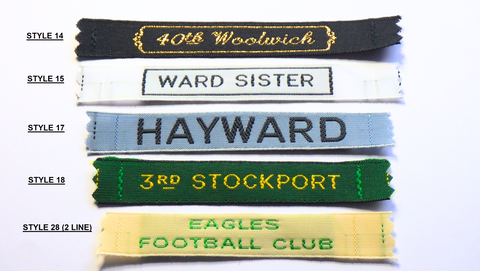
I ordered some new name tapes for our 2 Scout Troops and was amazed when they turned up just 2 days later. Very impressed with the service and quality
Product was excellent as usual but the cost of delivery virtually doubled the cost. Can you not find a cheaper option please?

A**************








About Cash's
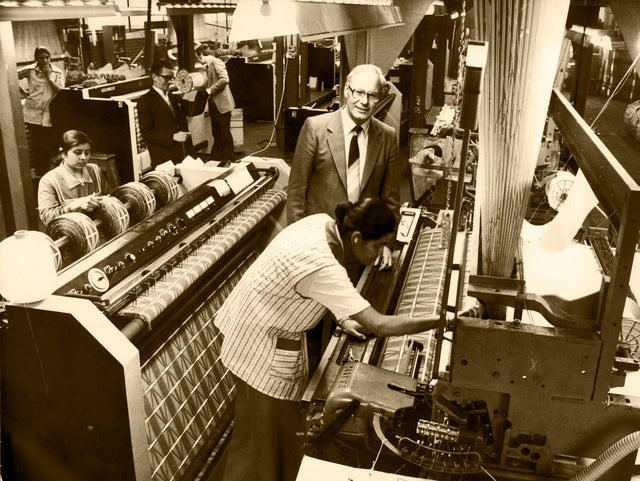
Cash's has been delivering quality since 1846, back then the company was England's leading silk ribbon manufacturer led by the pioneering fervour of two Quaker brothers, John and Joseph Cash, the elder sons of a wealthy stuff-merchant.
It was in the 1870s that the first Cash's woven nametape rattled off the jacquard looms. Since then, successive generations of school children have come to rely on this method of identification.
In January 1964, Cash's (UK) was appointed 'Manufacturers of Woven Name Tapes to Her Majesty the Queen'.